


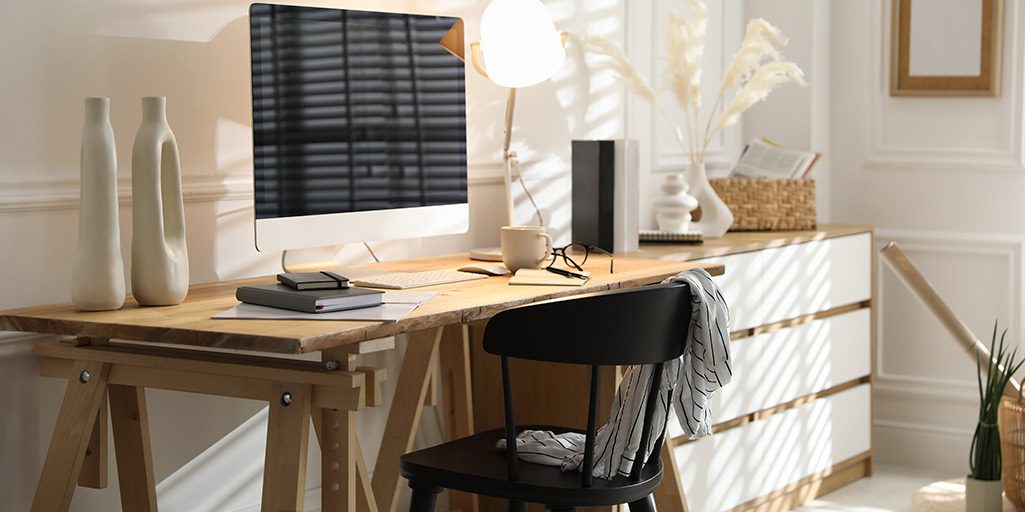
Remote Worker Relocation Guide: Moving Your Home Office
December 19, 2025
Relocating a home office comes with different pressures than packing up a living room or kitchen. Your equipment, files, and setup directly influence your productivity, so careful planning helps you avoid downtime and protect the tools you rely on daily. Piepho’s long-standing approach to office moves, residential and commercial, starts with clarity: knowing exactly what’s coming with you and how it will be handled.
Begin by evaluating your current workspace. A full inventory gives you a realistic picture of what needs to be packed, what should be updated or replaced, and what requires specialized care. This simple step reduces errors and helps keep your relocation organized from day one.
A few early steps help set the stage for a smooth transition:
- Take stock of your entire office setup by listing each item and capturing photos of equipment, furniture, and sensitive documents.
- Build a home-office-specific checklist that includes disconnection sequences, packing steps, and setup tasks for the new space.
- Notify clients, partners, and service providers of your move dates so expectations remain clear throughout your transition.
- Back up all digital files using both cloud storage and external drives to safeguard work before shutting down devices.
- Plan the timing of your move around lighter work periods and any seasonal considerations that may affect travel and scheduling.
Packing Electronics and Office Essentials Safely
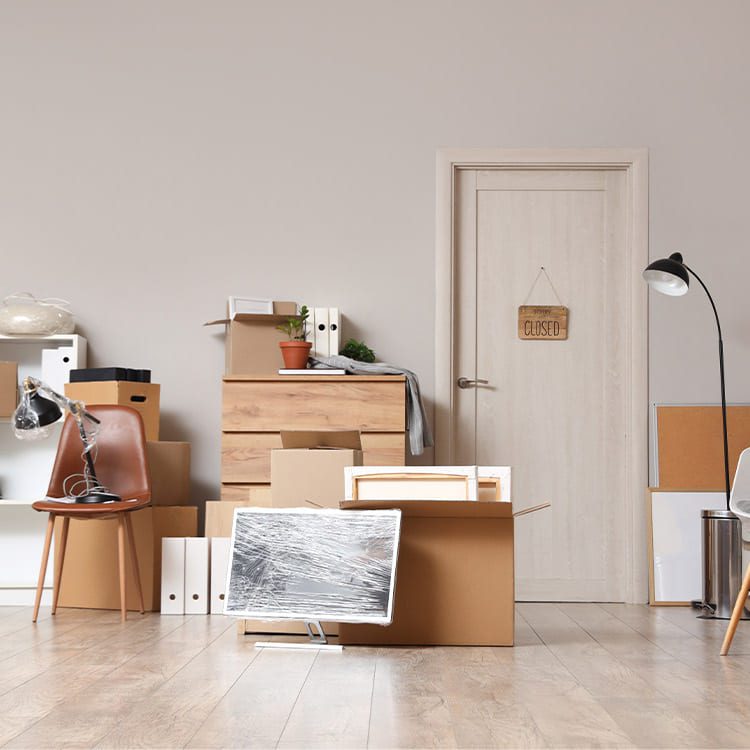
Moving home office equipment requires careful handling, especially when transporting computers, monitors, and devices that contain your business’s most important information. Proper packing protects your hardware and helps streamline your entire setup once you arrive at your new home. Piepho movers rely on proven packing standards that safeguard delicate electronics so they arrive in ready-to-use condition.
Thoughtful packing makes a major difference during both transit and unpacking:
- When possible, pack electronics in their original boxes. If those are unavailable, use sturdy cartons and sufficient cushioning, bubble wrap, padding, or foam inserts, to prevent shifting.
- Label every cable and photograph your setup before disconnecting anything. Organized cables in labeled bags save time and reduce frustration during reassembly.
- Protect sensitive electronics with anti-static materials and moisture-absorbing packets. Avoid newspaper, which can transfer ink to screens and surfaces.
- Store important documents, contracts, licenses, financial records in waterproof folders or containers. Keep these with you rather than in the moving truck whenever possible.
- Maintain a detailed, numbered inventory of all electronics and accessories. This serves as both a practical unpacking guide and an important reference for insurance needs if an issue arises.
Setting Up Your New Home Office Space
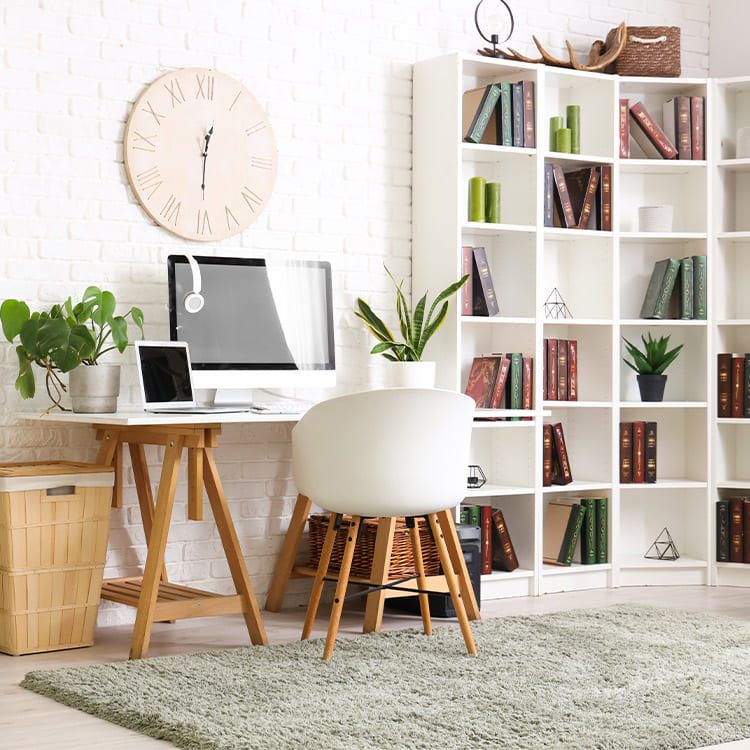
Once your belongings arrive, creating an efficient and comfortable workspace is key to maintaining your work rhythm. The layout, lighting, and organization of your new home office will influence everything from focus to ergonomics, much like selecting the right commercial space for a growing business.
Start by choosing a dedicated location within your new home that supports privacy and uninterrupted work. A quiet room with natural light and a door that can be closed often elevates day-to-day productivity, especially during virtual meetings or heads-down tasks.
To help your new workspace support your workflow from the start:
- Choose a dedicated, quiet space with adequate natural lighting to reduce eye strain and proper ventilation to maintain comfort throughout your workday.
- Plan your desk and furniture layout with ergonomics in mind, position your monitor at eye level, use an adjustable chair, and ensure your keyboard allows your wrists to rest naturally to prevent strain injuries.
- Set up your electronics systematically, starting with your computer and internet connection. Consider using a UPS (uninterruptible power supply) for critical equipment and invest in a reliable router for stable connectivity.
- Personalize your workspace with elements that inspire you, whether it’s family photos, artwork, or plants, while maintaining a professional background for video calls.
- Test all equipment thoroughly before resuming full operations. Run a complete systems check, including internet speed, printer connections, and any specialized equipment, to identify and resolve issues before they affect your work.
If you’re considering painting, changing light fixtures, or making improvements, completing these tasks now is far easier before your office components are fully arranged.
Maintaining Productivity and Business Continuity During Transition
The period between shutting down your old office and fully settling into your new one can disrupt routines. With planning, you can keep work moving forward even while boxes are still being unpacked. Piepho’s relocation philosophy emphasizes preparation that protects daily operations and client commitments throughout the move.
A few strategic steps support a smoother transition:
- Identify essential tools and set up a temporary workspace as soon as you arrive. This may be a small desk in a spare room, a local coworking center, or any location with reliable internet access.
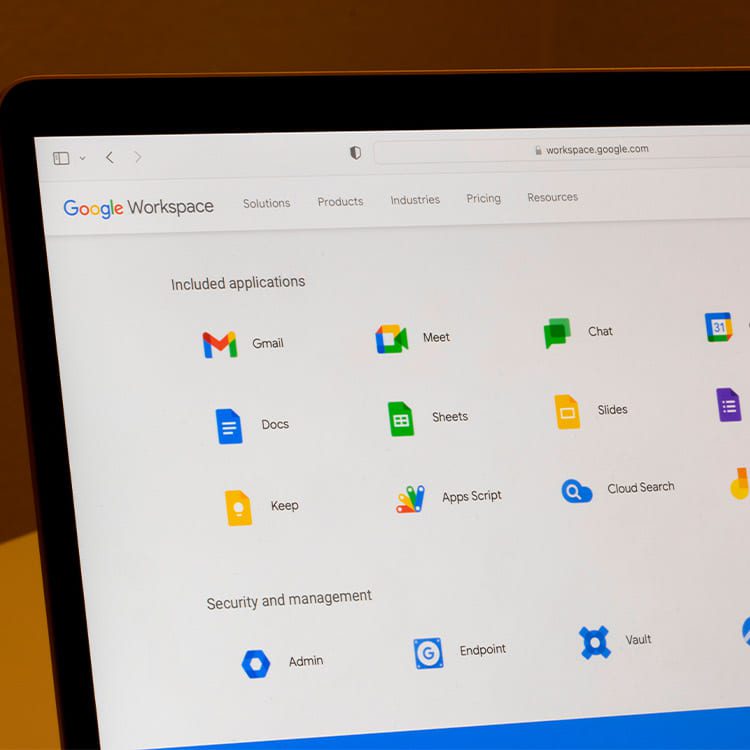
- Use cloud platforms to keep documents and project files reachable from any device. Tools like Google Workspace, Microsoft 365, or Dropbox give you immediate access even if your main workstation is offline.
- Prioritize your workload and communicate clearly with clients, partners, or colleagues about any short-term adjustments during the move.
- Map out a realistic timeline for returning to full operations, including time for troubleshooting, equipment setup, and final workspace adjustments.
- Once settled, review what worked well and what didn’t. These insights help strengthen future moves or expansions and make the process even smoother next time.
Temporary interruptions are common during a relocation, but transparent communication and preparation help preserve your workflow and professional relationships.
Move Your Home Office with the Team Who’s Been Trusted for More Than 70 Years
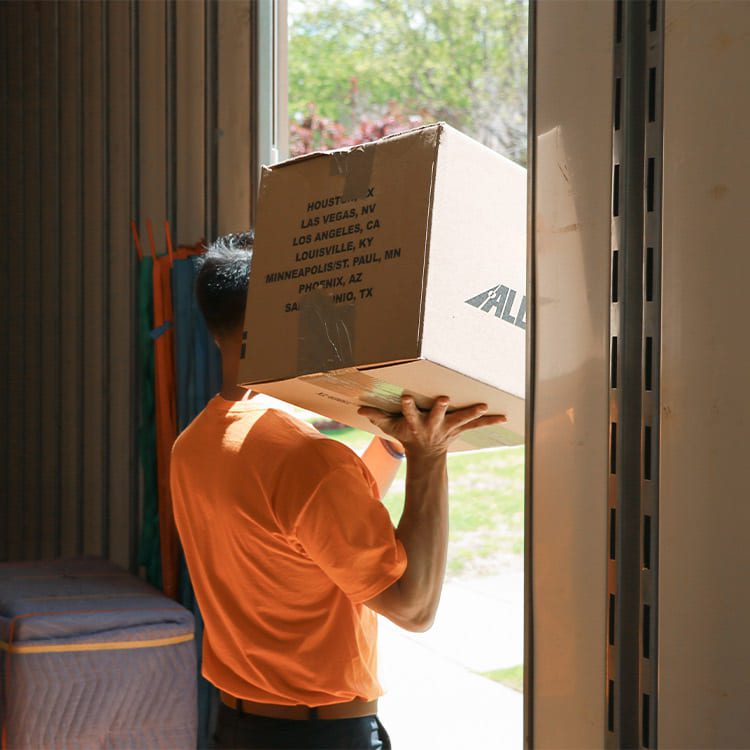
Piepho Moving & Storage has helped remote professionals, entrepreneurs, and businesses relocate their workspaces with confidence for decades. Whether you’re moving your home office across town or across the country, our team delivers the same dependable service that has defined our company since 1952.
We offer:
- Full-service packing for electronics and office equipment
- Secure, climate-controlled storage options
- Professional handling of sensitive files and specialized setups
- A 98% on-time delivery rate backed by hundreds of verified reviews
If you’re preparing to move your home office, we’re here to make sure your transition is efficient, organized, and worry-free. Request your free home office moving quote from Piepho Moving & Storage today and let our team help you settle into your next workspace with confidence.